








Bags, Filters & Maintenance
Vacuum Cleaner Parts and Accessories

Vacuum Cleaner Maintenance: Bags, Filters, Belts & Brush Rollers
Regular vacuum cleaner maintenance helps maintain suction, improve cleaning performance, and keep your vacuum running smoothly. Replacing worn vacuum belts, changing vacuum bags, maintaining filters, and cleaning the brush roller can help prevent common problems such as weak suction and poor dirt pickup. Shop our selection of vacuum maintenance parts and follow the tips below to care for your machine.
When Should You Replace Vacuum Cleaner Bags?
A full or clogged vacuum bag can restrict airflow and reduce suction. Check your bag regularly and replace it according to your vacuum manufacturer's instructions or when the bag-change indicator signals that it is time. Fine dust may clog a bag before it looks full, so check the bag if you notice reduced cleaning performance.
Choose replacement vacuum cleaner bags designed for your specific model. The correct fit helps keep dust contained and supports proper airflow. Do not empty and reuse disposable vacuum bags unless the manufacturer specifically permits it.
How to Clean and Replace Vacuum Filters
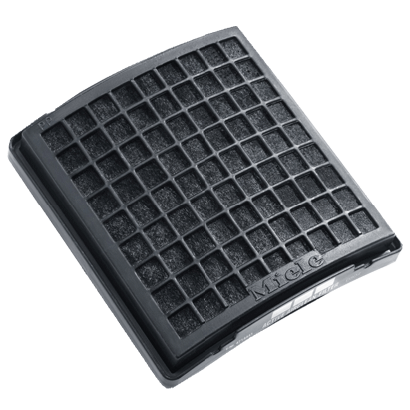
Vacuum filters help capture dust and other particles as air passes through the machine. Dirty filters can restrict airflow, making regular filter maintenance an important part of keeping your vacuum working efficiently.
- Check your owner's manual to locate each filter and confirm the recommended maintenance schedule.
- Wash a filter only if the manufacturer identifies it as washable.
- Allow washable filters to dry completely before reinstalling them.
- Replace non-washable or damaged filters as directed by the manufacturer.
Browse replacement vacuum filters and check compatibility with your vacuum model before ordering. If your vacuum uses a HEPA filter, follow the care instructions for that specific filter.
When to Replace a Vacuum Belt
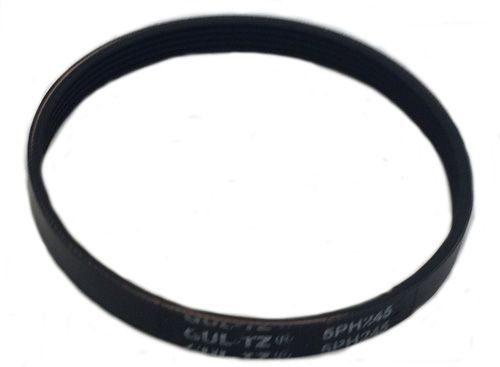
On belt-driven vacuum cleaners, the belt transfers power to the brush roller so it can loosen dirt from carpet. A worn, stretched, or broken belt may cause the brush roller to turn poorly or stop spinning. With the vacuum unplugged or its battery removed, inspect the belt for cracks, wear, or looseness.
Replace damaged belts with the correct size and type for your machine. Shop replacement vacuum belts to find a compatible option.
How to Maintain Your Vacuum Brush Roller
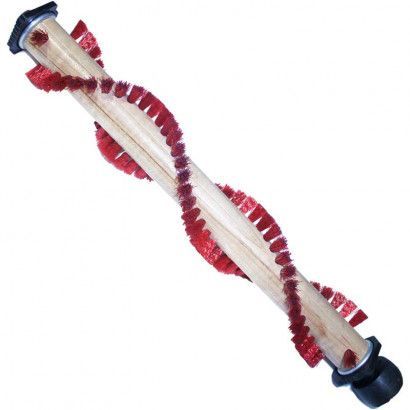
Hair, thread, and fibers can wrap around the brush roller and interfere with carpet cleaning. Turn off the vacuum and disconnect its power before removing tangled debris. Follow the manufacturer's instructions when accessing the brush roller, and inspect the bristles and roller ends for wear or damage.
If the roller is damaged or its bristles are worn, browse our replacement vacuum brush rollers for a model-compatible replacement.
Why Is My Vacuum Losing Suction?
Common causes of reduced vacuum suction include a full bag or dust container, dirty filters, and blockages in the hose, wand, or floor head. Check these areas first, following your owner's manual. If airflow seems normal but the vacuum leaves debris on carpet, inspect the brush roller and belt as well.
Keep your vacuum ready for everyday cleaning with the right bags, filters, belts, and brush rollers. Check your vacuum's model number before purchasing replacement parts to ensure a proper fit.
Log In
Create New Account